

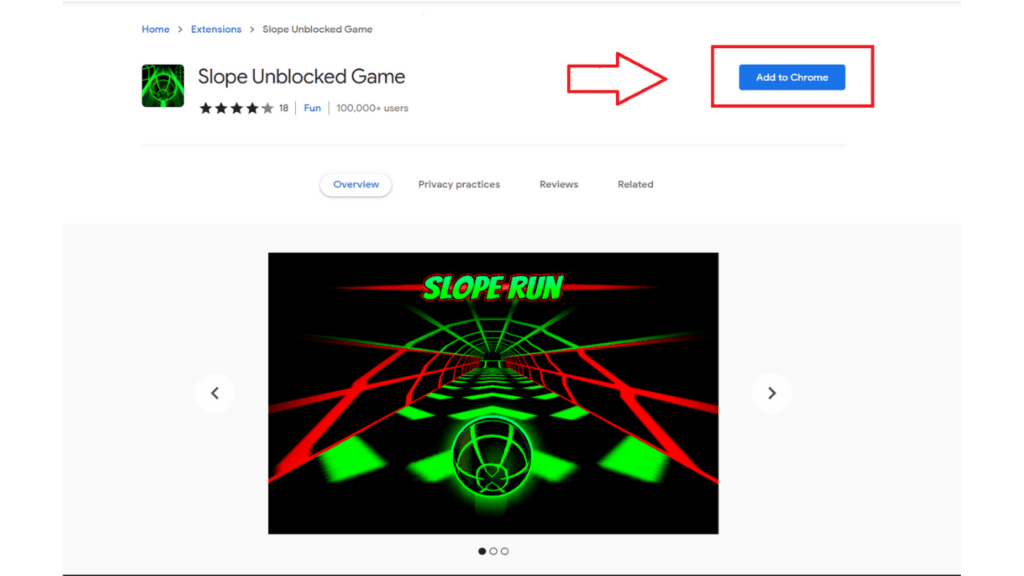
What is Slope 2 Un-blocked?
Slope 2 Unblocked is a Chrome extension that allows you to play the sequel to the popular game Slope. Enjoy improved graphics, music, and power-ups as you control a rolling ball through a simple cityscape.
HOW TO INSTALL SLOPE 2 UNBLOCKED FROM A CRX FILE
- Download the Slope 2 Un-blocked CRX file .
- NOTE: Sometimes the browser may block downloading / installing CRX file from outside the Chrome Web Store. If so, you may need to download the ZIP file instead.
- In the URL bar, go to
chrome://extensions - Enable Developer mode
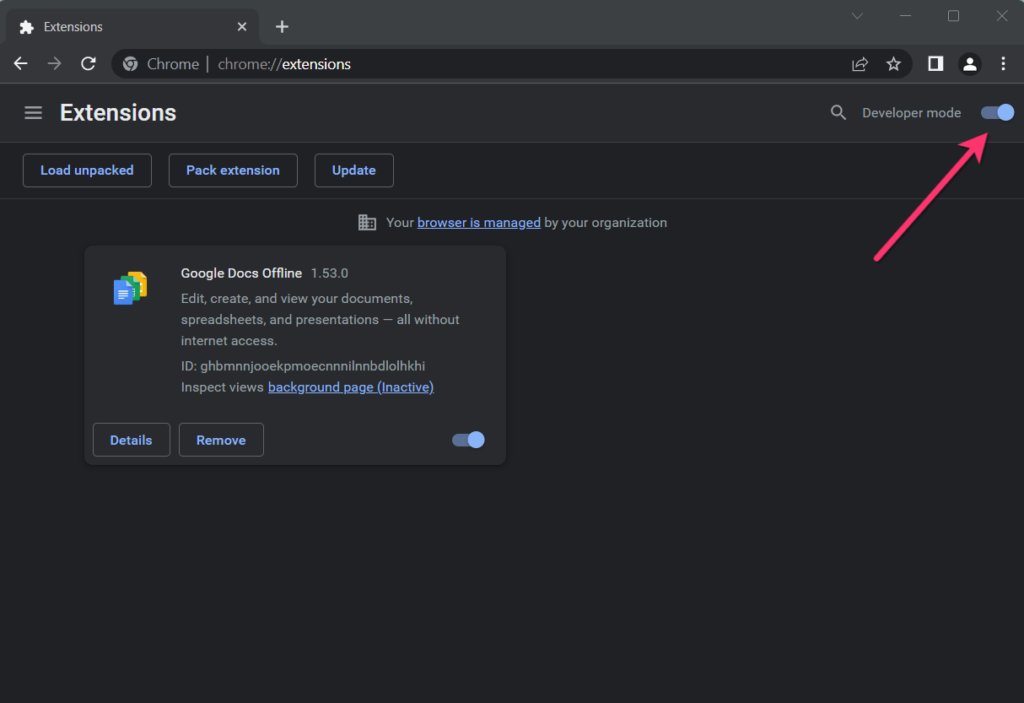
5. Drag and drop the downloaded Slope 2 Un-blocked CRX file into the Extensions page
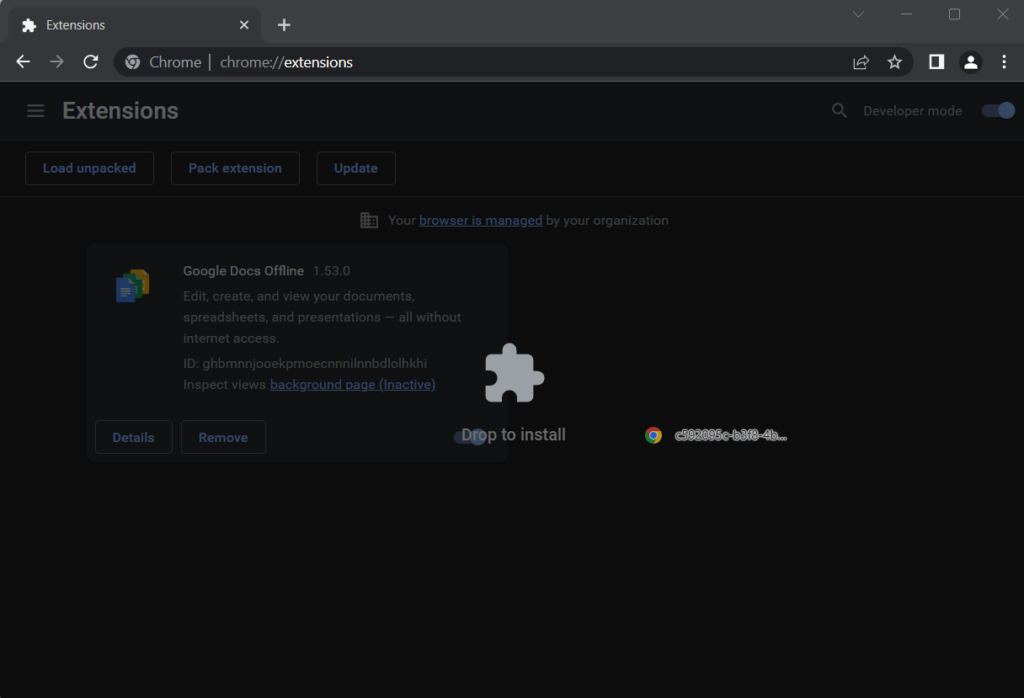
6. When prompted, click Add extension to install Slope 2 Un-blocked.
HOW TO INSTALL SLOPE 2 UN-BLOCKED FROM A ZIP FILE
- Download and unpack the Slope 2 Unblocked ZIP file to a directory of your choice.
- In Chrome browser, go to
chrome://extensions - Enable Developer mode.
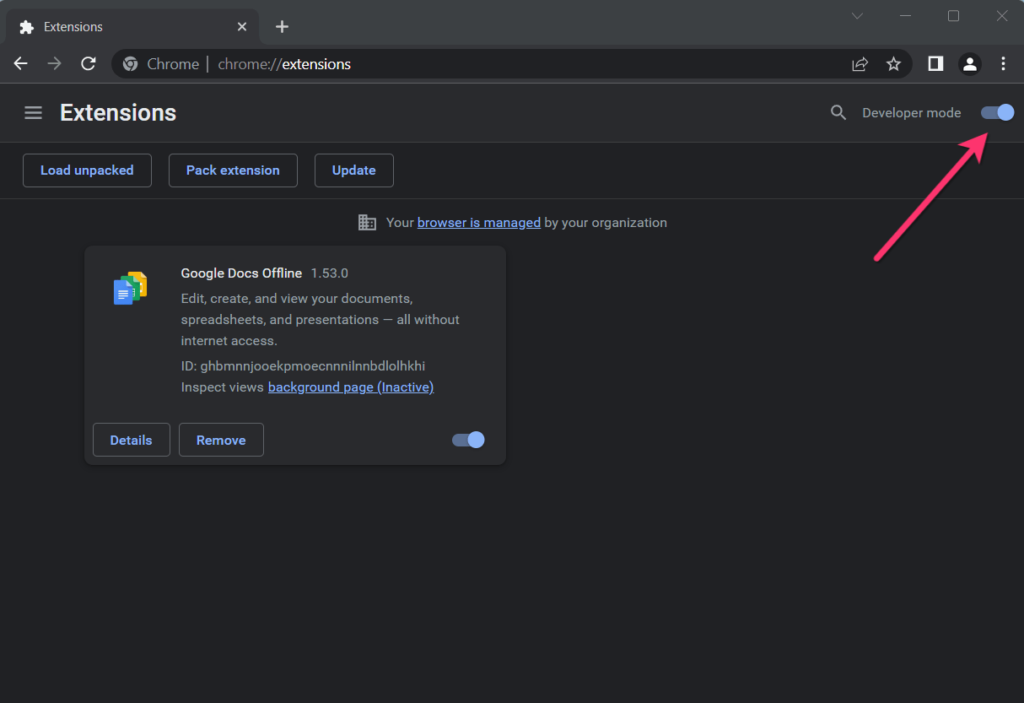
4.Click on the Load Unpacked button.
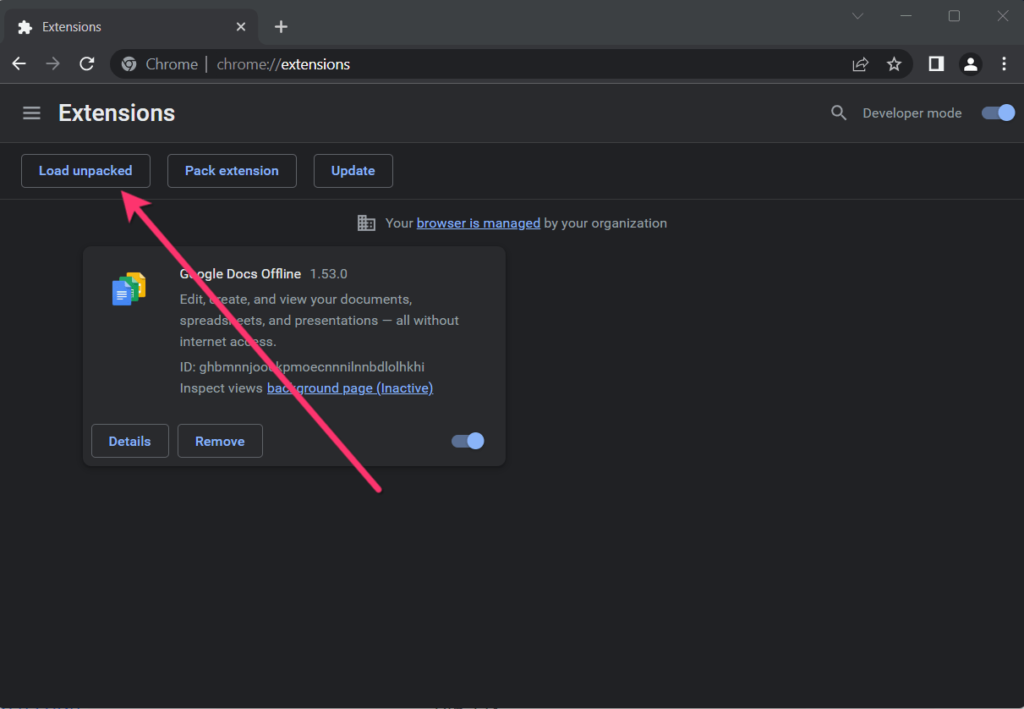
5. Select the directory of with the unpacked Slope 2 Unblocked ZIP file from step 1. Slope 2 Un-blocked is now installed on your browser.
 Mr lays