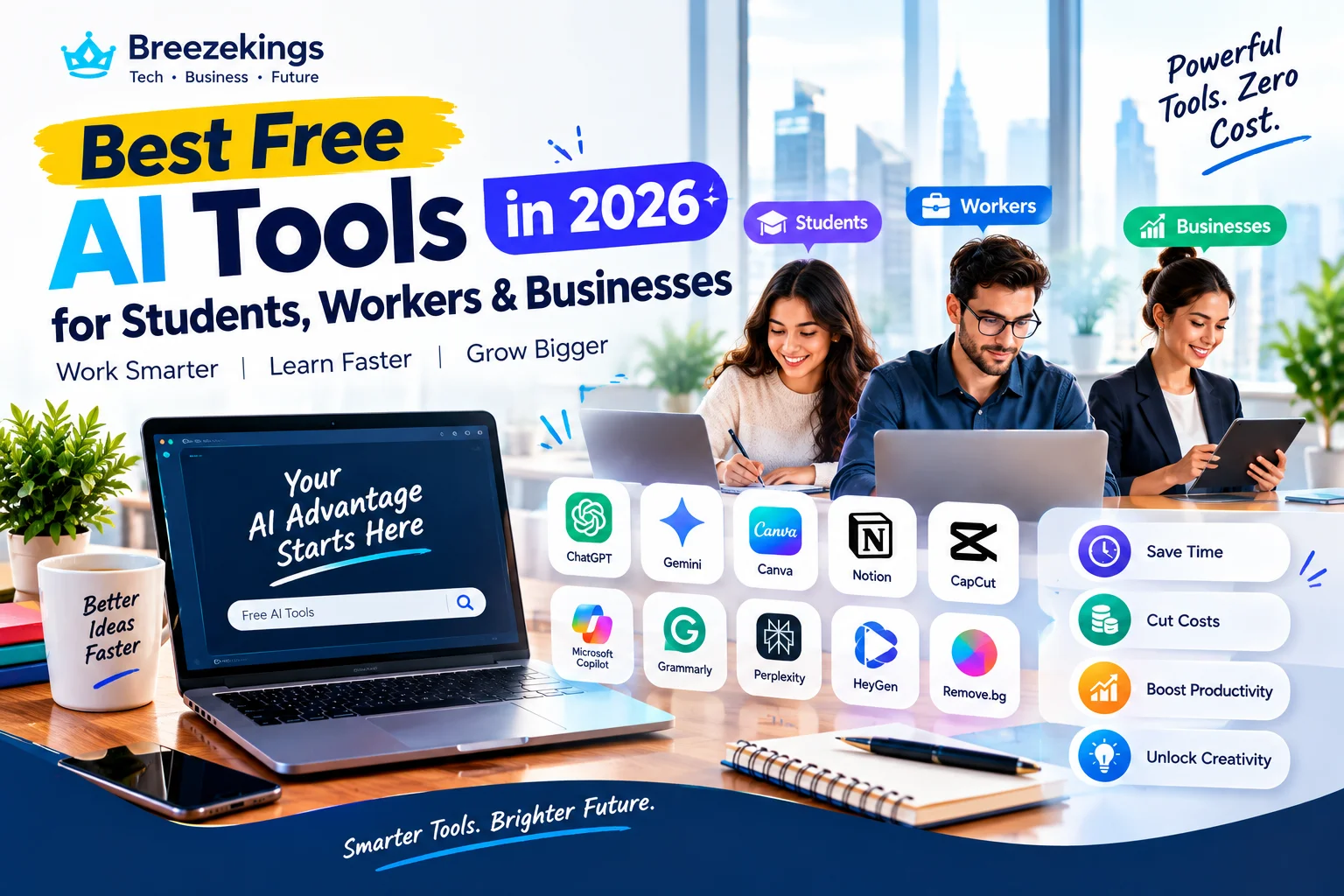

Introduction: Why Free AI Tools Matter More Than Ever
AI is no longer just for big companies with big budgets. Many powerful tools now offer free plans that work well for daily tasks. Surveys show that a large share of students and small teams already use AI to study, write, and manage work.
The right free tools can save hours each week. They can help you write faster, study smarter, and run your business with less stress. The key is to pick tools that fit your needs and avoid getting lost in endless options.
This guide lists the best free AI tools in 2026 for students, workers and businesses. You will see what each tool does, where it shines, and how to start without paying.
How to Pick the Right Free AI Tool
Not all free AI tools are equal. Some have strong free plans. Others limit you so much that you must pay fast. Focus on value, not just the word free.
Look for tools that:
Solve a clear problem you have right now.
Offer a useful free tier, not just a short trial.
Work with apps you already use, like Google, Microsoft, or your phone.
Have good reviews from real users, not just marketing claims.
Start with one or two tools. Master them before adding more. This keeps your workflow simple and effective.
Best Free AI Tools for Students in 2026
Students need help with writing, research, notes, and study plans. The right AI tools can make these tasks faster and clearer.
ChatGPT (free tier) is a strong all round helper. It can explain concepts, draft essays, and quiz you on topics. The free plan covers most study needs for high school and college.
Google Gemini works well inside Google apps. It can summarize docs, draft emails, and answer questions with sources. If you use Google Drive and Docs, this fits naturally into your flow.
Grammarly (free) checks spelling, grammar, and tone as you write. It works in browsers and many apps. This helps you submit cleaner work with less editing time.
NotebookLM is a free research and study tool from Google. You upload your notes or PDFs, then ask questions grounded in your own sources. This reduces fake answers and helps you learn from your materials.
Quizlet AI helps you turn notes into flashcards and quizzes. The free version supports basic study sets and games. This is useful for memorizing terms, dates, and formulas.
A simple free stack for most students is ChatGPT for explanations, NotebookLM or Gemini for research, Grammarly for editing, and Quizlet for review. This covers most academic tasks at no cost.
Best Free AI Tools for Workers and Professionals
Workers need help with writing, meetings, tasks, and focus. Free AI tools can cut busywork and boost output.
ChatGPT (free tier) is again a top pick. It can draft emails, summarize long threads, and brainstorm ideas. Many knowledge workers use it daily for writing and planning.
Google Gemini helps if you live in Google Workspace. It can draft Docs, summarize Sheets, and pull data from your files. This saves time on reports and updates.
Grammarly (free) improves your writing across email, docs, and web forms. It catches errors and suggests clearer phrasing. This makes your messages look more professional.
Otter.ai (free plan) transcribes meetings and highlights key points. The free tier gives a limited number of transcription minutes each month. This is enough for a few important meetings per week.
Notion (free plan) organizes notes, tasks, and docs in one place. Its AI features are limited on free plans, but the base app is strong for personal knowledge work. Many workers use it as a second brain.
For most workers, a free stack of ChatGPT, Grammarly, and Otter covers writing, editing, and meeting notes. Add Notion if you need a central place for tasks and docs.
Best Free AI Tools for Small Businesses in 2026
Small businesses need help with marketing, sales, design, and support. Free AI tools can stretch a small budget and reduce manual work.
ChatGPT (free tier) can draft ads, social posts, emails, and landing page copy. It can also brainstorm offers and answer common customer questions. This cuts content creation time for solo founders and small teams.
Canva (free plan with AI features) handles design without a pro designer. You can create social images, flyers, and simple videos using AI templates. The free plan is enough for many small business needs.
HubSpot Free CRM manages contacts, deals, and emails. Its AI features help with subject lines and follow ups. This gives you a solid sales and marketing base at no cost.
Grammarly (free) improves all your external writing, from emails to ads. Clear writing builds trust and reduces mistakes. This is a small change with big impact.
Tidio or similar chatbot tools (free plans) add a basic AI chatbot to your website. It can answer FAQs, collect leads, and send chats to a human when needed. This reduces support load and captures more inquiries.
A simple free stack for small business is ChatGPT for copy, Canva for design, HubSpot for CRM and email, and a basic chatbot for support. This covers most marketing and sales needs without paying.
Tools That Help Across All Groups
Some free AI tools work well for students, workers and businesses alike. These are worth knowing no matter your role.
Perplexity AI (free tier) is a research focused chatbot. It gives answers with sources and links. This is useful for students writing papers, workers researching topics, and businesses studying markets.
Zapier (free plan) connects apps and automates simple tasks. You can set up zaps that move data between tools, like saving email attachments to Drive or adding form responses to a sheet. The free plan allows a limited number of tasks per month, but it is enough to test key automations.
Microsoft Copilot (free tier) offers AI help inside Microsoft apps and the web. It can draft text, summarize pages, and answer questions. If you use Windows and Office, this integrates smoothly.
These tools add flexibility to any setup. They help you research, connect apps, and get AI help in your existing workflow.
What Free Plans Usually Limit
Free AI tools are generous, but they have limits. Knowing these helps you avoid frustration.
Most free plans limit:
The number of messages or tasks per day or month.
Access to the newest or most powerful models.
Advanced features like bulk processing or team seats.
Priority support and fast response times.
For many users, free limits are enough. Students can study and write. Workers can handle daily tasks. Small businesses can run basic marketing and support.
When you hit limits often, it is a sign the tool is central to your work. That is when a paid plan may be worth it.
Simple Plan to Start Using Free AI Tools This Week
You do not need a big setup to begin. A small, focused plan works best.
Day 1: List your top three time consuming tasks. Examples include writing essays, answering emails, or creating social posts.
Day 2: Pick one free AI tool for each task. For writing, try ChatGPT or Gemini. For design, try Canva. For research, try Perplexity or NotebookLM.
Day 3 to 5: Use the tools on real work. Track how much time you save and what quality looks like. Adjust prompts and settings as needed.
Day 6: Review results. Keep tools that help. Drop tools that add confusion. Plan to add one more tool next week if needed.
This approach keeps things simple and practical. You learn fast without wasting time on tools you do not need.
Common Mistakes to Avoid with Free AI Tools
Free AI tools are powerful, but people make the same errors again and again. Avoid these to get real value.
Do not use AI to copy work without thinking. For students, this means do not submit AI text as your own without review. For workers and businesses, do not send AI output without checking facts and tone.
Do not install ten tools at once. This creates confusion and half used apps. Start with a small stack, then grow slowly.
Do not ignore privacy. Avoid uploading sensitive data to tools you do not trust. Read basic privacy notes, especially for business and client information.
These simple rules keep you safe and effective.
When to Consider Upgrading to Paid Plans
Free plans are enough for many people. But there are clear signs that a paid plan may be worth it.
Consider paying when:
You hit free limits every week.
The tool saves you hours each week and pays for itself.
You need advanced features like team access, more models, or higher quality output.
The tool is central to your study, work, or business flow.
Start with free, prove value, then upgrade with confidence. This avoids wasting money on tools you do not use.
Future Proofing Your AI Tool Stack
AI tools will keep improving. New features and models will appear each year. Choose tools that can grow with you.
Prefer tools that:
Let you export your data and workflows.
Add new features over time instead of staying static.
Work across devices and apps you already use.
Have a clear path from free to paid without losing your setup.
This way, your early work with free tools keeps paying off as you scale.
Conclusion: Start Small, Use What Works, and Build Over Time
The best free AI tools in 2026 for students, workers and businesses are already in your reach. You do not need to pay to get real value. A small set of well chosen tools can save hours each week and improve your output.
Pick one area where you feel stuck or slow. Choose one free AI tool that fits that task. Test it on real work for a week. Keep it if it helps, drop it if it does not.
Take action today. Write down your top three tasks. Match each to a free AI tool from this list. Start using them this week. The right tools, used in a simple way, will give you more time, less stress, and better results in 2026 and beyond.



Discussion
No comments yet. Be the first to share your thoughts!
Leave a Comment